

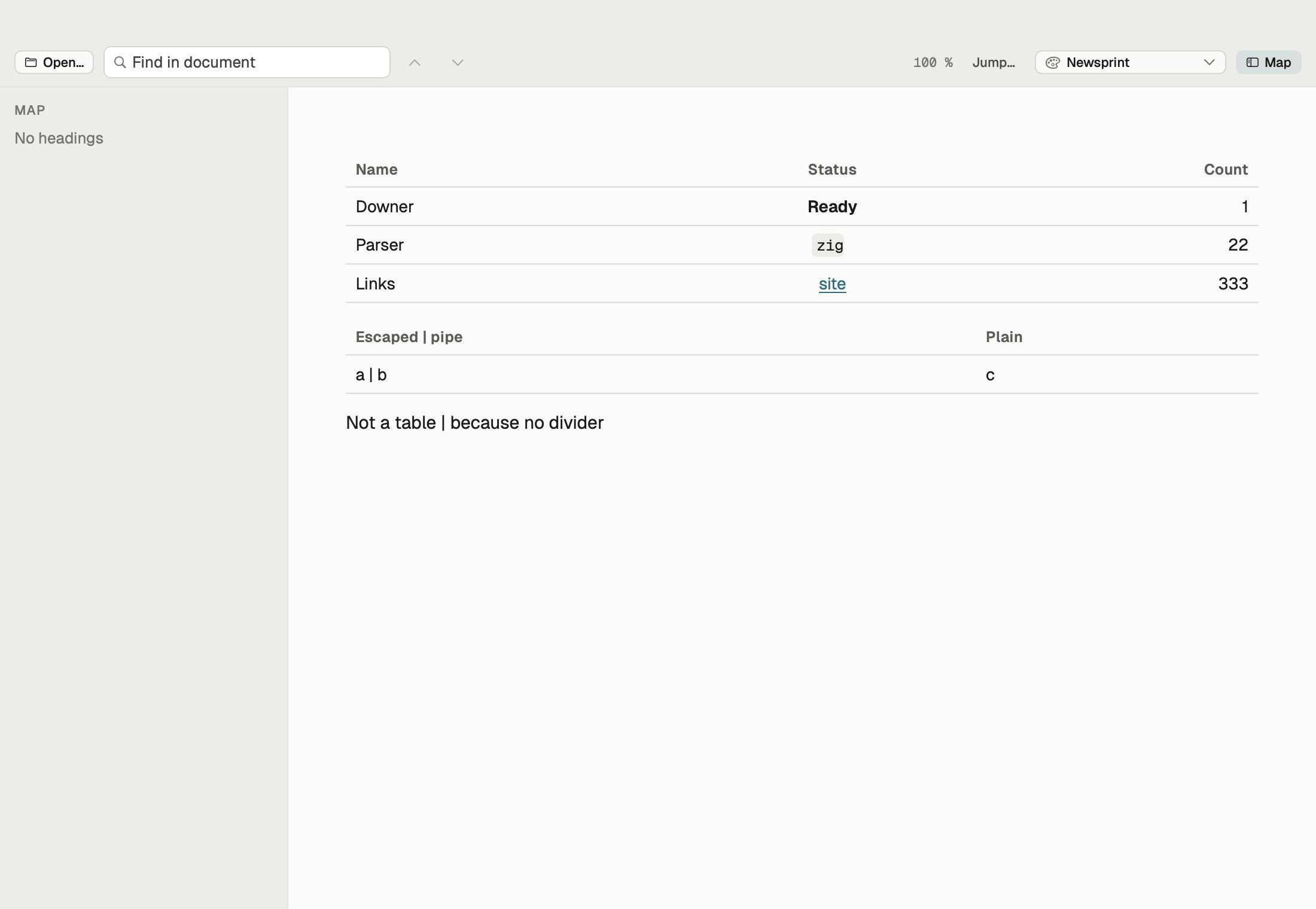
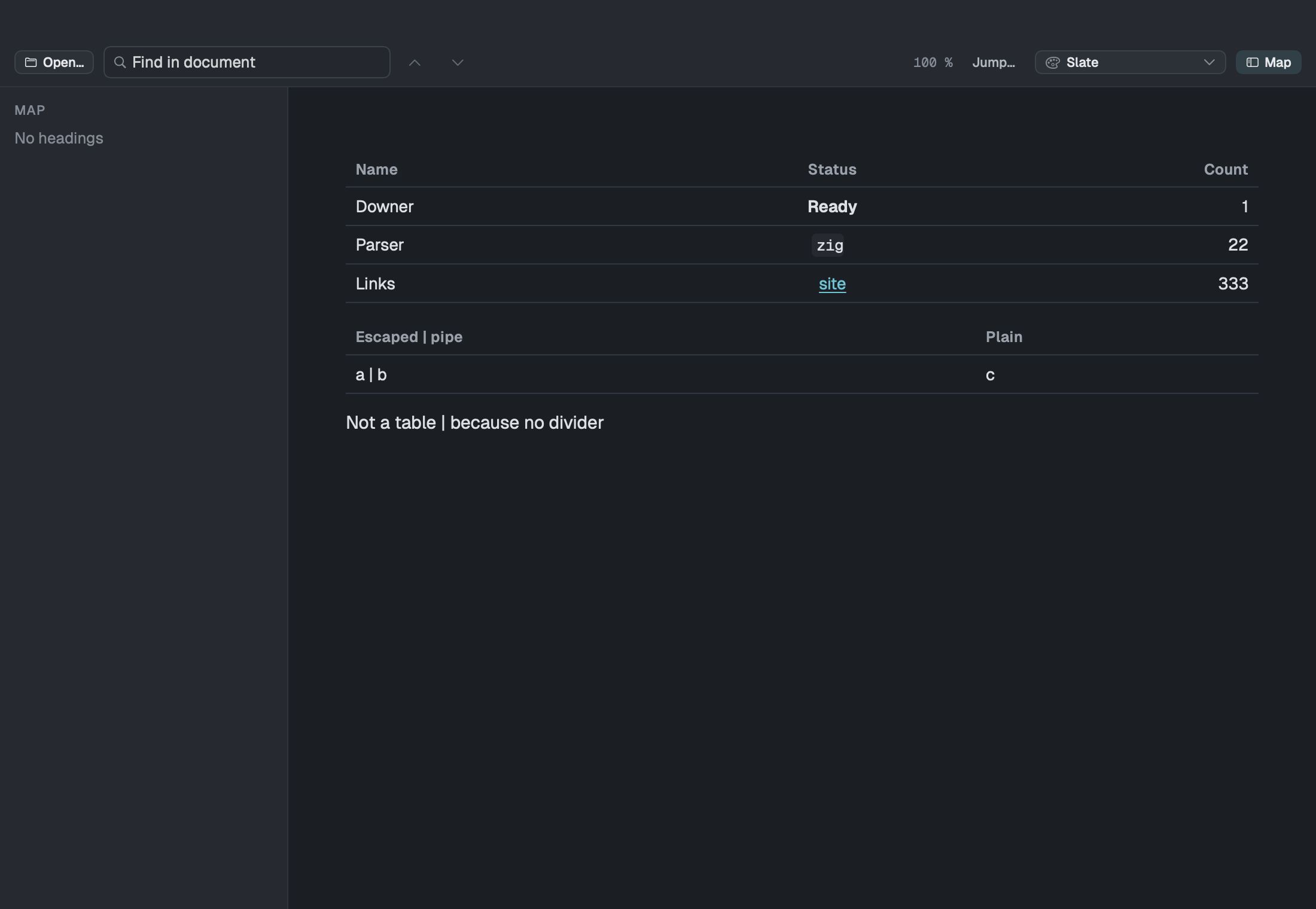
A README is the front page of a project. Writing one blind and checking it after you push is a slow way to find a broken table. Downer shows it on your Mac first.
The same rules as GitHub
Downer reads Markdown the way GitHub does for READMEs:
- headings, emphasis, links, lists, quotes and code
- tables with column alignment
- task lists with checkboxes
- strikethrough
- web addresses turned into links automatically
- emoji shortcodes like
:tada: - images from the README’s folder or from the web, sized as you set them
The HTML people actually use
Plenty of READMEs mix in HTML for a centred logo, a row of badges or a collapsible section. Downer shows the same tags GitHub allows: centred and aligned blocks, images with a width, <details> sections that open and close, <kbd> keys, superscript, subscript and HTML tables. Anything GitHub removes, Downer removes, so there are no surprises later.
Code, math and diagrams
Code blocks are coloured for about 25 languages and have a copy button. Math written with dollar signs is set as equations, and Mermaid blocks are drawn as diagrams, both as GitHub supports them.
Long READMEs, made easy
The map lists every heading and shows how far you’ve read. ⌘K jumps to any section, and find shows how many matches there are. Open a whole project folder and Downer gathers its Markdown files, up to 500, into a collection you can come back to.
Need to fix something? The editor opens beside the preview, and Fix Formatting tidies the Markdown in one step.