

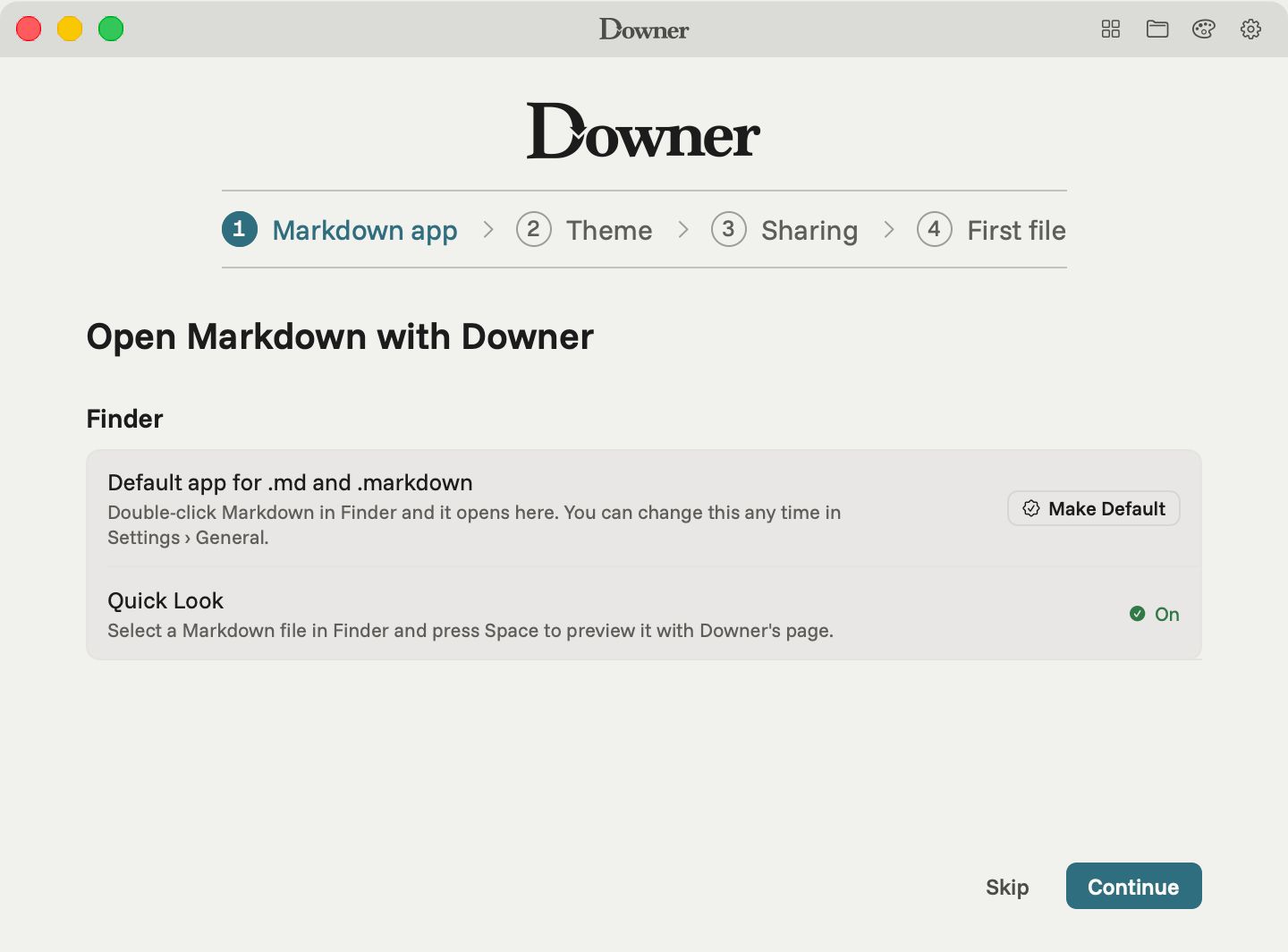
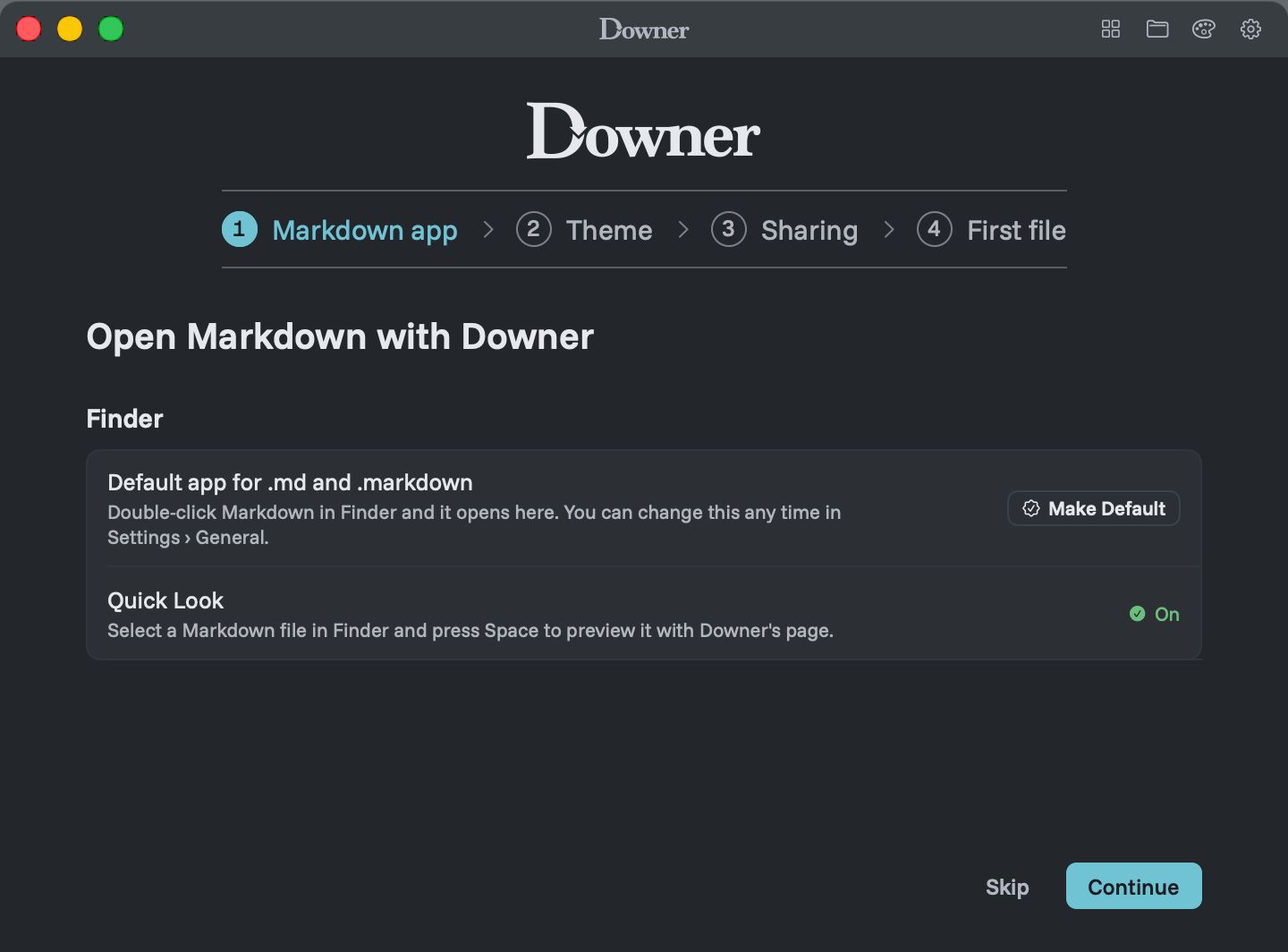
Out of the box, pressing Space on a Markdown file in Finder shows raw text: hashes, asterisks and all. Downer replaces that with a proper page.
What it previews
- Markdown files, with headings, tables, task lists, code and links formatted
- Mermaid files (
.mmdand.mermaid), drawn as diagrams - LaTeX papers (
.tex), shown as readable pages with their math
The preview is drawn the same way as the app, so Quick Look shows a file the way Downer will. It follows your Mac’s light or dark appearance.
Skim a folder without opening anything
Select a file, press Space, then use the arrow keys to move through the folder. It’s the fastest way to find the right README, notes file or diagram before you open it.
When you find the one you want, open it in Downer for the full reader: the map of headings, find, your chosen theme, and the editor.
One limit
Quick Look previews don’t show images stored beside the file, such as a screenshot in an images folder. Open the file in Downer and every image appears.
Comparing previewers? See Downer vs QLMarkdown and Peekdown.