

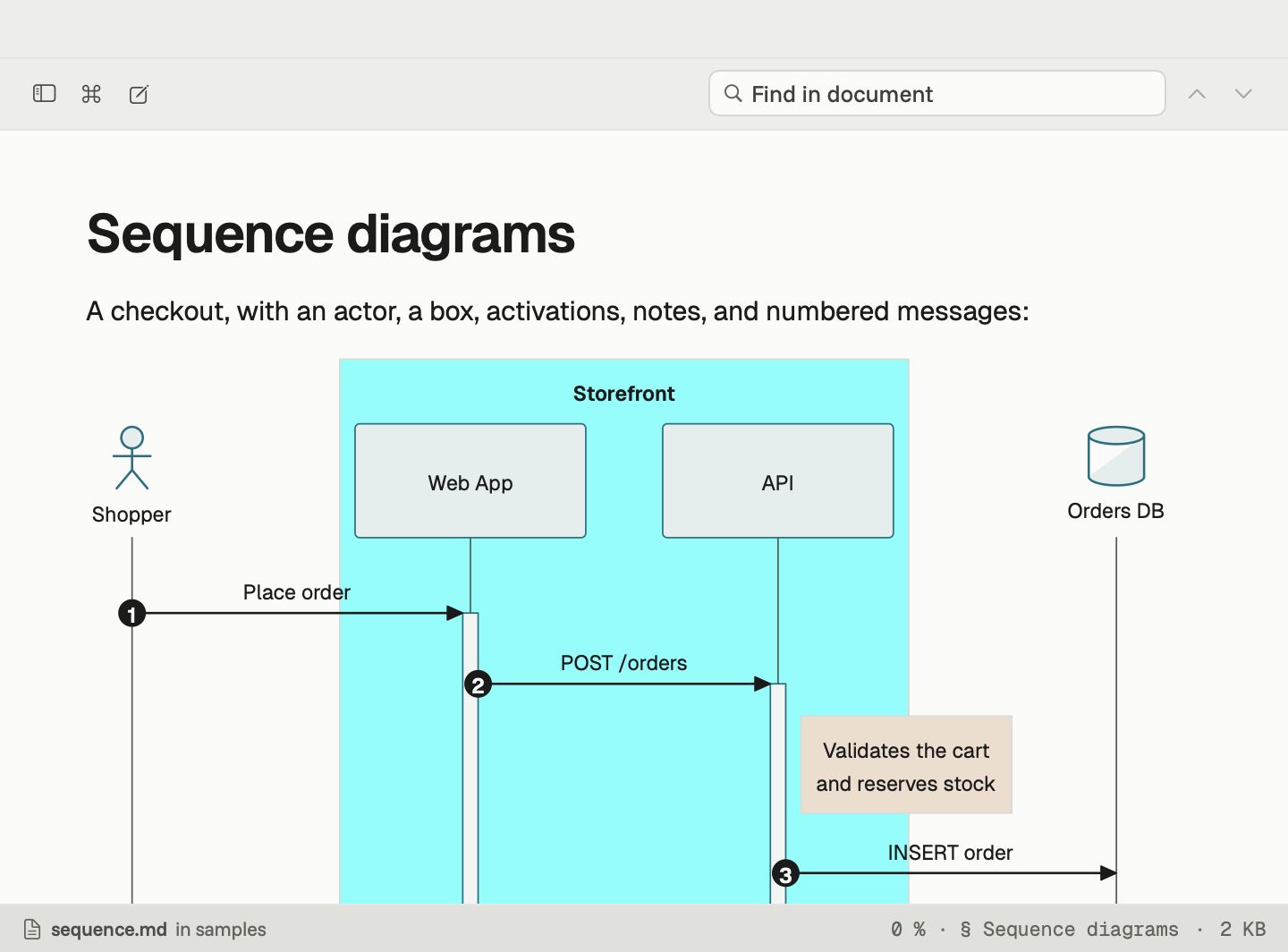
Mermaid is the easiest way to keep diagrams next to your writing: a few lines of text in a code block become a flowchart, a sequence diagram or a timeline. The catch is seeing them. Many Mac apps either ignore the block or need a plugin to draw it.
Downer draws Mermaid diagrams itself, the moment a document opens.
What it handles
Every diagram type in the current Mermaid documentation, roughly 35 of them:
- Flow and structure: flowcharts, class, state, entity-relationship and requirement diagrams
- Time and plans: Gantt charts, timelines, journeys, kanban boards and Git graphs
- Data: pie, XY, quadrant, radar, Sankey and treemap charts
- Systems: architecture, block and C4 diagrams
- Thinking: mind maps and the newer beta types
We test against all 1,242 examples from Mermaid’s own documentation, and every one of them opens and lays out.
Diagrams on their own
Keep a diagram in its own .mmd file? Open it in Downer and it fills the page. Press Space on it in Finder and Quick Look shows the same drawing.
Diagrams in your theme
Diagrams use the colours of your Downer theme, so a sequence diagram in Dracula looks like it belongs in Dracula. Switch between light and dark and the diagrams switch too.
Edit and see it change
Open the editor beside the preview and change a node or an arrow. The diagram updates as you type, so you can fix a layout without leaving the document.