

A LaTeX paper is a text file, but reading one usually means installing a TeX distribution, compiling and opening the PDF. When you just want to read a paper, check a co-author’s changes or skim a preprint’s source, that’s a lot of setup.
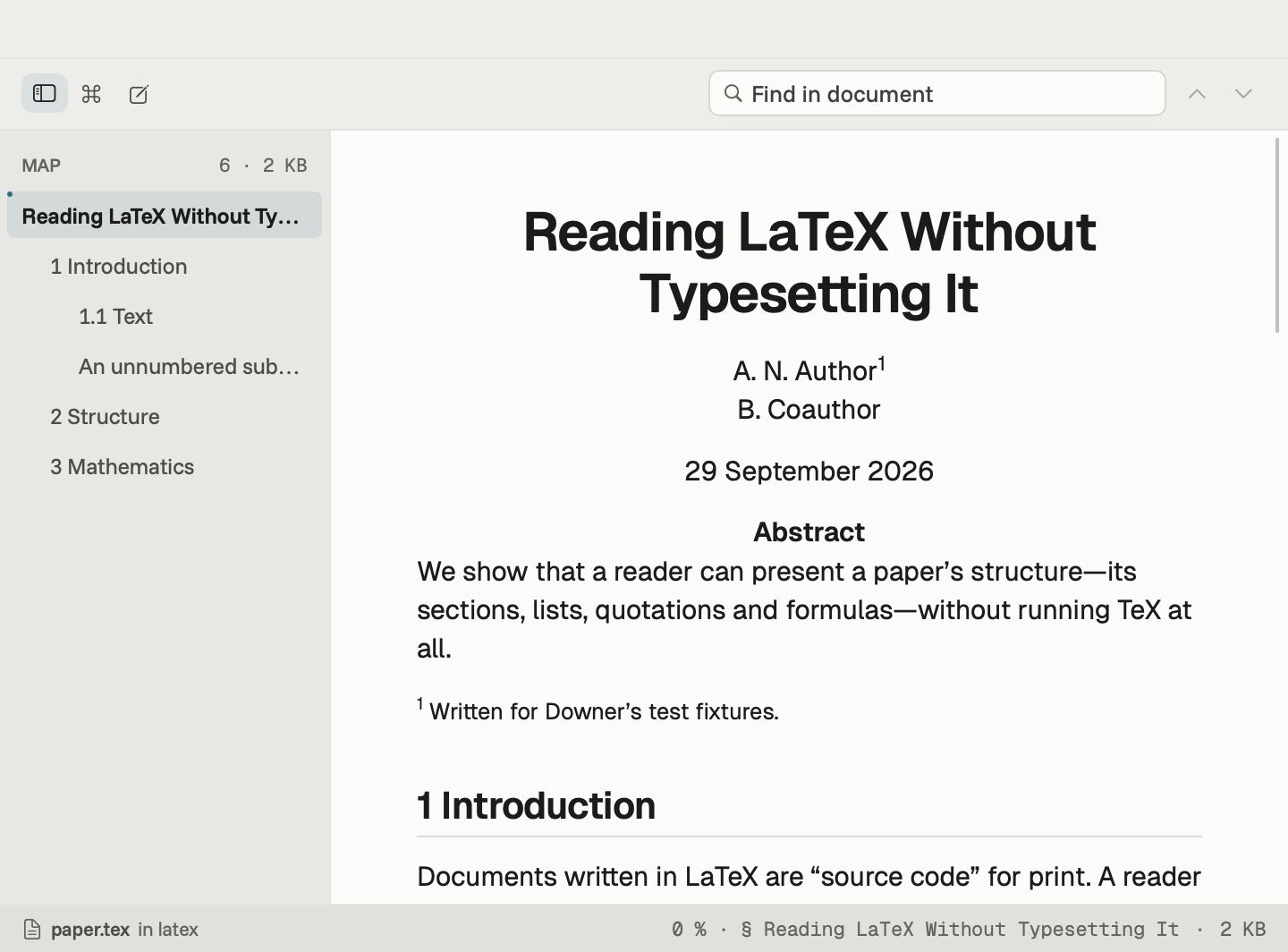
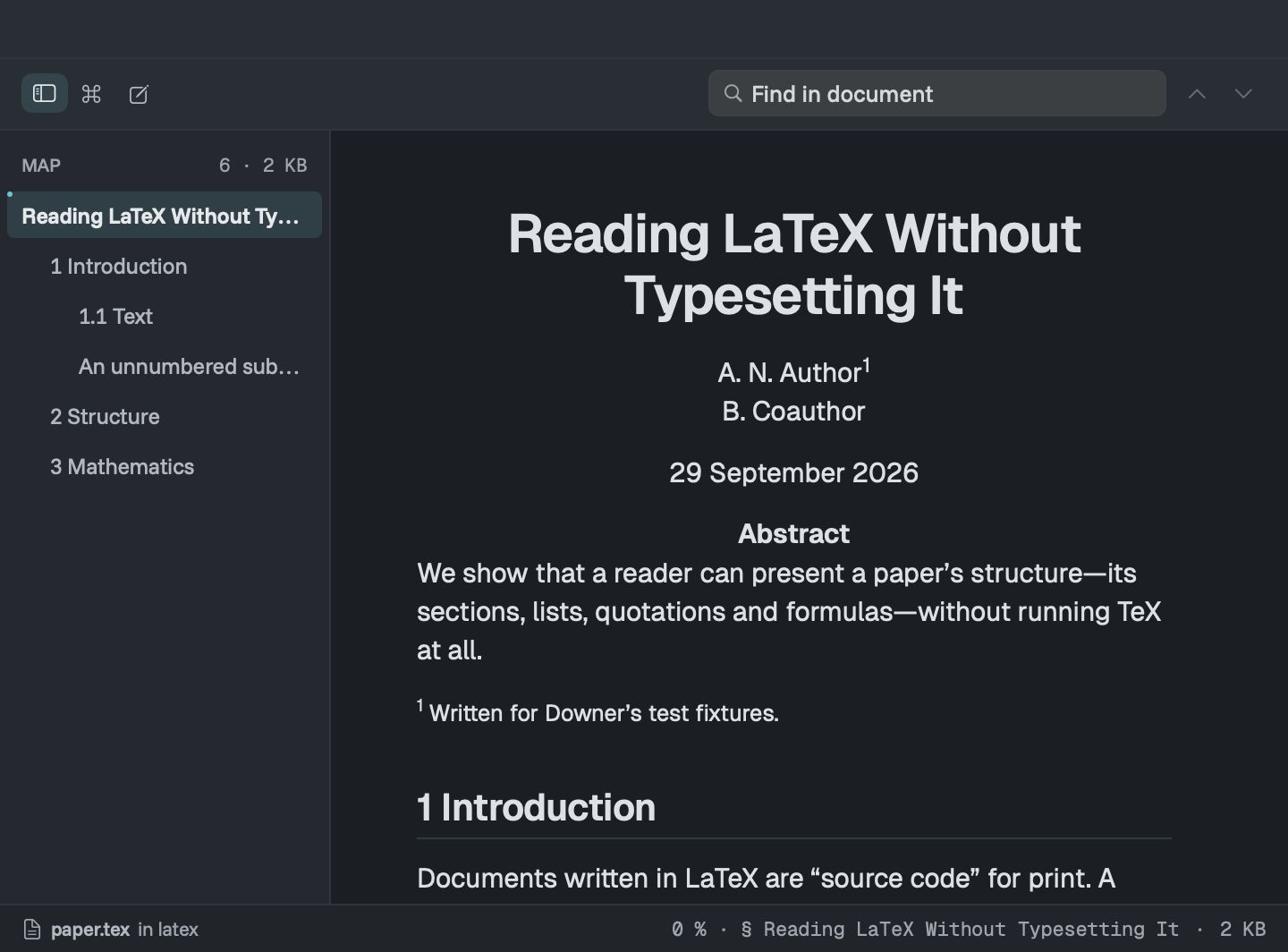
Downer opens the .tex file and shows it as a page.
What you see
- the title, authors and abstract
- numbered sections, from parts down to paragraphs, and appendices
- lists, quotations, footnotes and code listings with colouring
- tables, including multi-column cells and booktabs-style rules
- figures with their images and numbered captions
- theorems, lemmas, definitions and proofs
- cross-references and equation references as working links
- citations, from a bibliography in the paper or a
.bibfile beside it - every equation, with its number
Your own macros are expanded, so a paper full of custom shortcuts still reads properly.
What it doesn’t do
Downer reads a paper. It doesn’t lay out pages the way LaTeX does, so line breaks, page breaks and fine spacing won’t match the PDF. Pictures drawn with LaTeX’s drawing packages show as a placeholder with their source, and conditional code isn’t evaluated. Any command Downer doesn’t know keeps its text and is listed once at the end of the page, so nothing goes missing quietly.
Everything else works too
A paper in Downer behaves like any other document. The map lists its sections, find searches it, and you can copy text and equations. Press Space on a .tex file in Finder and Quick Look shows the same page.
Need a quick fix? The editor opens the source beside a live preview with LaTeX colouring. The math is the same as in Markdown math.